Google Wallet with Brighton & Hove Buses
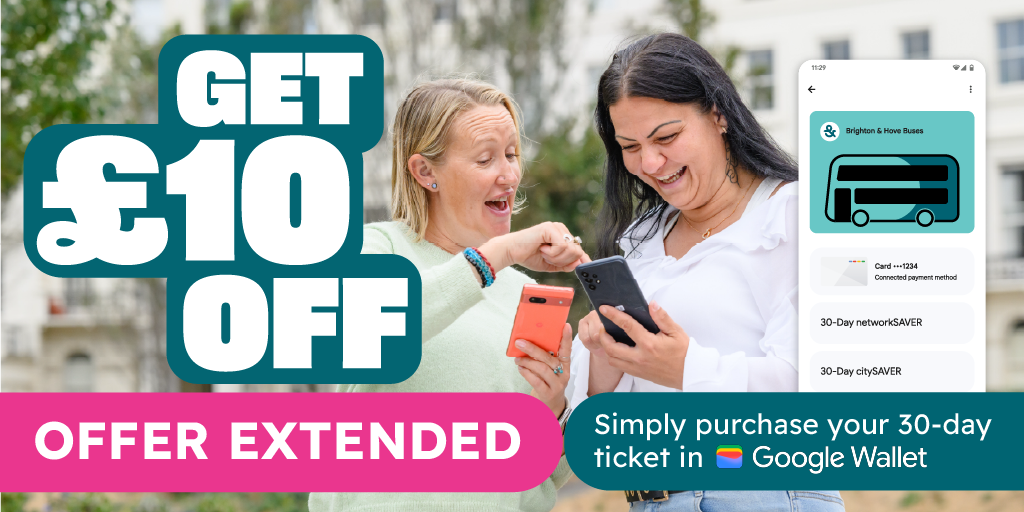
Buy, Tap, and Go for less with our extended Google Wallet offer!
Enjoy £10 off an adult 30-day citySAVER or NetworkSAVER ticket between Wednesday 14th October 2026 to Tuesday 1st December 2026 when purchasing using the Brighton & Hove Buses Transit Insight card in Google Wallet.
Simply purchase your 30-day ticket in Google Wallet to redeem this limited-time discount.
This is a limited-time offer. Read terms and conditions of this offer here.
Our partnership with Google Wallet brings clearer visibility of your Tap On, Tap Off contactless fares, so whether you travel pay-as-you-go or with a 30 Day ticket, everything lives in one place.
Brighton & Hove transit insights card
The transit insights card in your Google Wallet, when paired with a payment card gives you unique travel insight.
To get started with your Google Wallet transit insights card for Brighton & Hove Buses follow the three simple steps below and you’re ready to go!
Step 1: | Step 2 | Step 3 |
| On the device you're going to travel on, open your Google Wallet, select 'Add to Wallet', then 'transit pass' then search Brighton & Hove Buses. | You'll be notified to connect a payment card with Brighton & Hove Buses. | Ready to ride? Simply open your Google Wallet and tap to travel, just as you would with contactless payment. Already bought a SAVER ticket? Just tap as normal. Your ticket has already been paid for, so you won't be charged again. |
How To Activate Transit Insights in Google Wallet
Travel Smarter with Brighton & Hove Buses
Brighton & Hove Buses and Google Wallet now offer two ways to pay.
New! 30 Day tickets now available in Google Wallet
A UK first! You can now purchase a 30 Day networkSAVER or citySAVER pass using your bank card linked to transit insights in Google Wallet, giving you simple, smarter travel. Buy, tap, and go; keeping track of your bus journeys for the entire time your ticket is active.
Whether you're commuting daily or exploring the city, pick the pass that suits you:
- networkSAVER – for unlimited travel across the entire Brighton & Hove network, including night buses
- citySAVER – for unlimited travel within the Brighton & Hove city zone except for night buses
How It Works
- Add your bank card to Google Wallet
- Link transit insights from Brighton & Hove Buses
- Purchase the 30 Day travel pass through Google Wallet, and add it to your Google Wallet
- Tap to travel, use your phone to use the same card every time you ride
Tip: To accurately see your journeys via the travel insights card, you must tap off when you leave the bus.
Key Features Include:
Convenient and secure | 30 Day citySAVER and networkSAVER ticket | Journey history |
| Google Pay guarantees an easy and secure way to pay and adding a Brighton & Hove Buses transit card to Google Wallet gives a convenient way to track your bus travel. | Buying a 30 Day citySAVER or networkSAVER ticket keeps your ticket and journey information together in one convenient, easy-to-access space. | Google Wallet transit card will display your journey history allowing you to effortlessly keep track of your journeys. |
For more information on citySAVER and networkSAVER, click here.
Please note, only 30 Day citySAVER and 30 Day networkSAVER tickets are currently available in Google Wallet.
Tap On, Tap Off contactless
Passengers who enjoy using contactless payments on Brighton & Hove Buses can view their bus journeys and spending history all in their Google Wallet, just tap and go.
Key Features Include:
Convenient and secure | Tap On, Tap Off | Journey history |
| Google Pay guarantees an easy and secure way to pay and adding a Brighton & Hove Buses transit card to Google Wallet gives a convenient way to track your spending on bus travel. | Tap on and off with contactless Google Pay as usual and instantly see how much you’ve saved. | Google Wallet transit card will display your journey history allowing you to effortlessly keep track of your journeys. |
Tip: To accurately see your journeys via the travel insights card, you must tap off when you leave the bus.
For more information click on the link to view our FAQ’s or to contact a member of our customer services team click here.